Program outline
The program is split into its header and footer, operations at each tool change or comment marker, canned cycles with their holes, and subprograms with their calls. Click an item to jump to its code.

Prove out G-code programs.
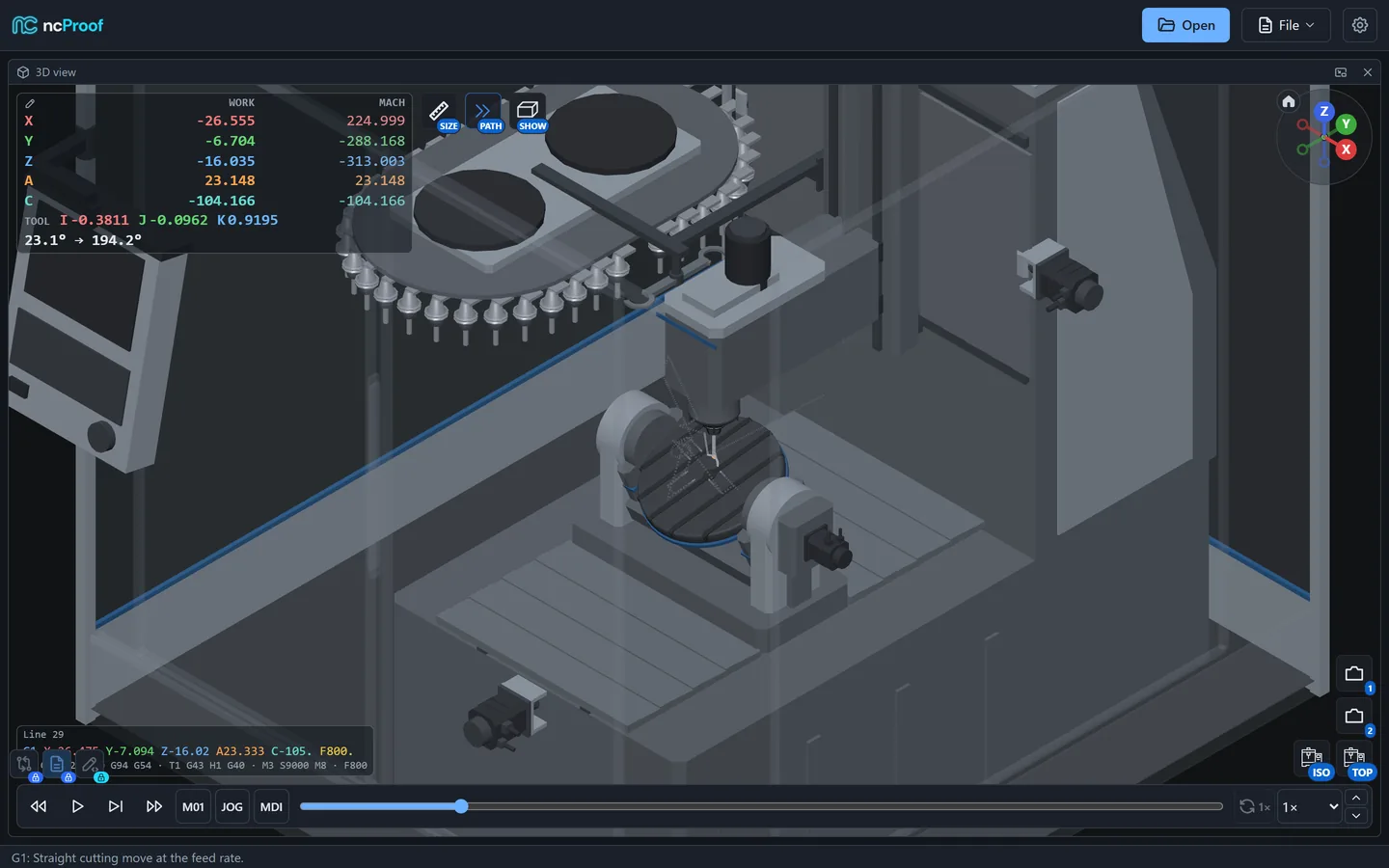
ncProof checks your G-code before it hits the machine: G-code playback with machine, tool and fixture rendering, collision checks and approximate stock-removal visualization. It lays out the program, flags lines it doesn't understand, shows the modal state at the cursor, and lets you step through the toolpath in 3D. Stock removal is an approximate visualization, not dimensional inspection.
Free to try. Buy later.
ncProof Pro adds editing, re-posting for a different machine and 5-axis simulation. About ncProof Pro

Posted by your CAM, hand-written or from someone else's machine: open it and see its structure, its state and its path before it goes near the spindle.
The program is split into its header and footer, operations at each tool change or comment marker, canned cycles with their holes, and subprograms with their calls. Click an item to jump to its code.
Every word is coloured by what it is: G and M codes, tool and offset numbers, feeds, speeds and comments. Codes the controller doesn't know are kept and marked, never dropped.
Lines worth a second look get a ⚠ flag, with the reason:
The status bar shows what is active on the current line: motion mode, plane, units, absolute or incremental, work offset, tool and offsets, spindle, coolant and feed.
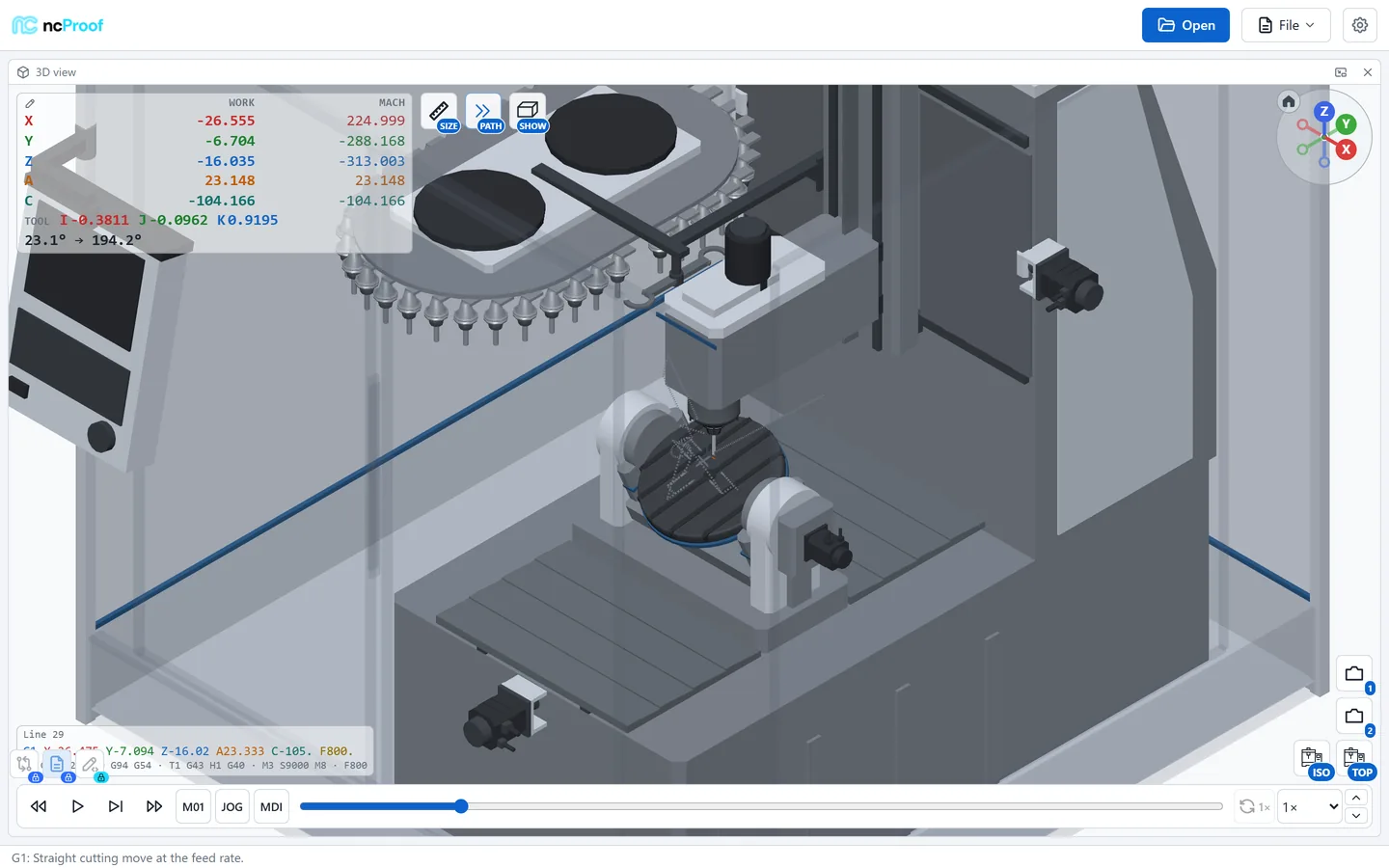
See the toolpath in 3D and step or play through the moves, with top and ISO views of the part or the machine, and saved views.
Point at a G or M code, or an address letter, for a plain-English explanation. Help is written from public documentation, with controller-specific notes.
Edit the code and it is read again as you pause. Ctrl/⌘+S saves back to the same file, keeping its line endings. Unsaved edits are kept in the browser and offered back next visit.
Keep a shop list of machines with their controller, units, travel, spindle and the tools in each pocket. Start from the Machine Library or a blank machine, and export or import it as a shop file.
ncProof is a web app, so there is nothing to install. Processing time varies with program size and simulation complexity.
Anything ncProof doesn't understand is kept exactly as written and flagged.

Everything in ncProof, plus editing, re-posting for a different machine and 5-axis simulation.
Edit the code and it is read again as you pause. Ctrl/⌘+S saves back to the same file, keeping its line endings. Unsaved edits are kept in the browser and offered back next visit.
Same program as ncProof. Upgrade to Pro later.

A faster way to make a part: you model it and program it at the same time. Made for anyone who designs parts and runs a CNC machine. It runs in your browser on a PC, iPhone or iPad.

Builds on ncLink Send to add machine monitoring (coming).

Hardware and transfer software that connect existing machines.

Our own CNC controller, driving the machine directly instead of through an ncLink.
Prove out G-code: playback with machine, tool and fixture rendering, collision checks and approximate stock removal.
Free to try. Buy later.
Questions about ncVBot products, or your shop's controllers and machines? Email us at ncvbot@gmail.com.